Awaken for iPhone

The alarm for heavy sleepers that won't stop until you're awake

Awaken is an iOS alarm app that helps heavy sleepers and chronic snoozers actually get out of bed by requiring a real challenge — math, movement, or a camera task — before the alarm can be dismissed.

No snooze button. Pick screen taps, math, sky photo, grass photo, squats, Random, or Combo.

Download

In-app purchases

See How It Works
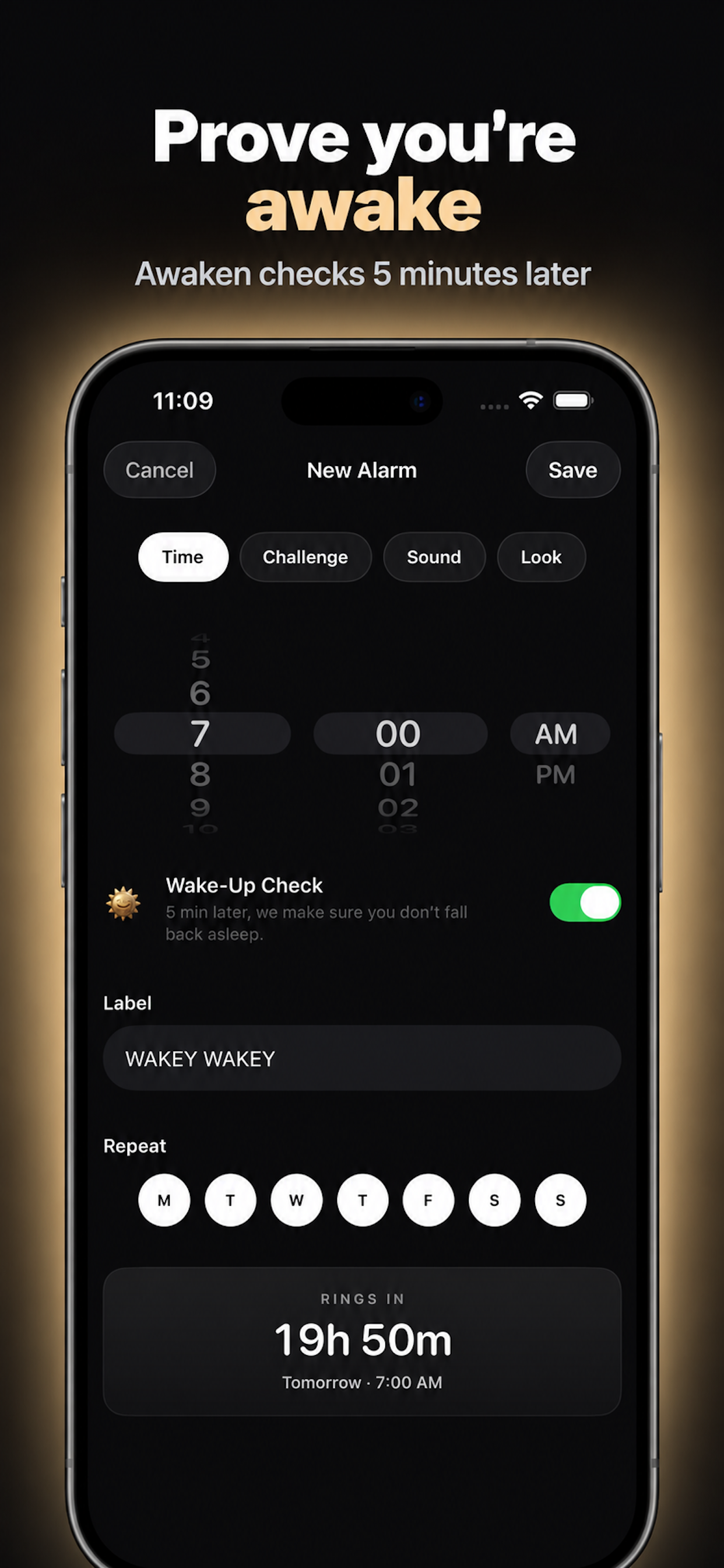
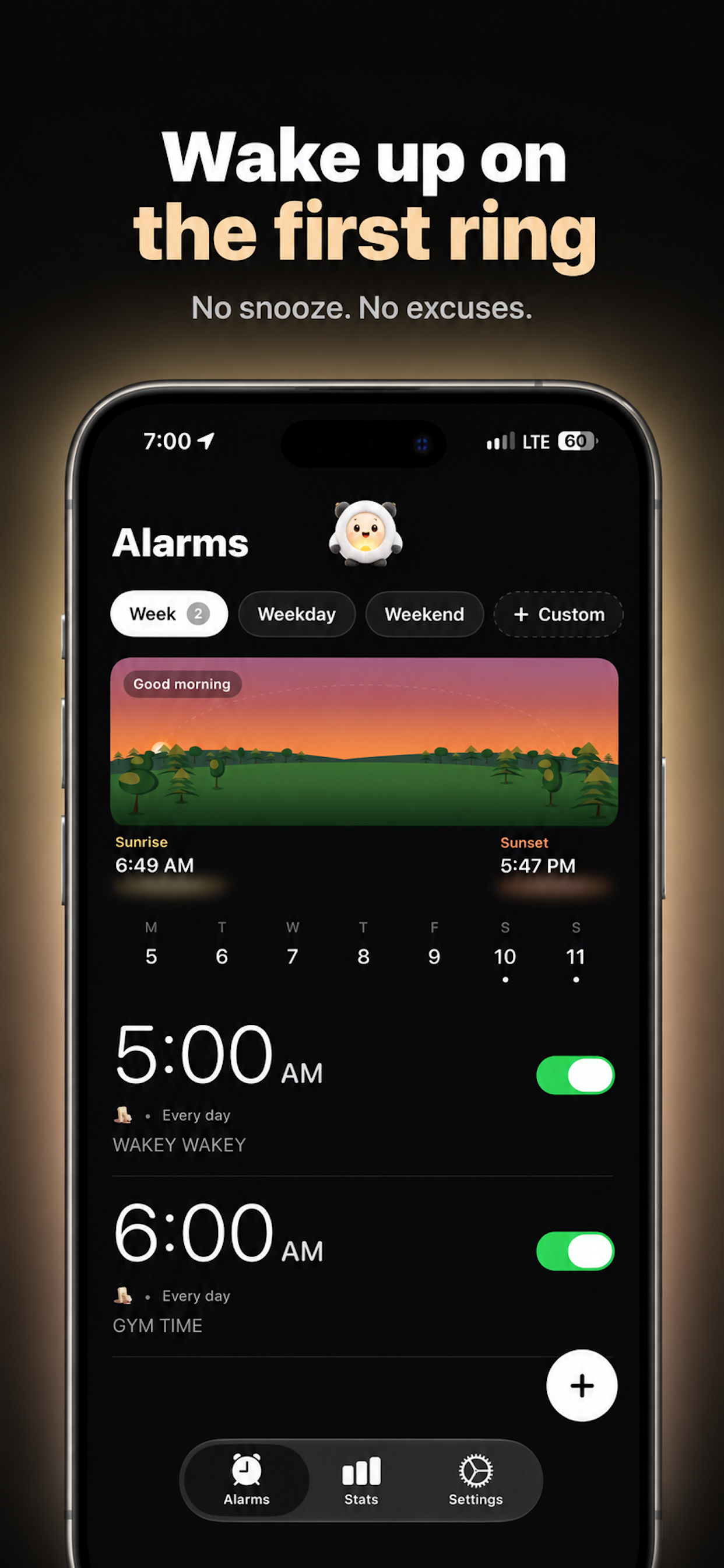
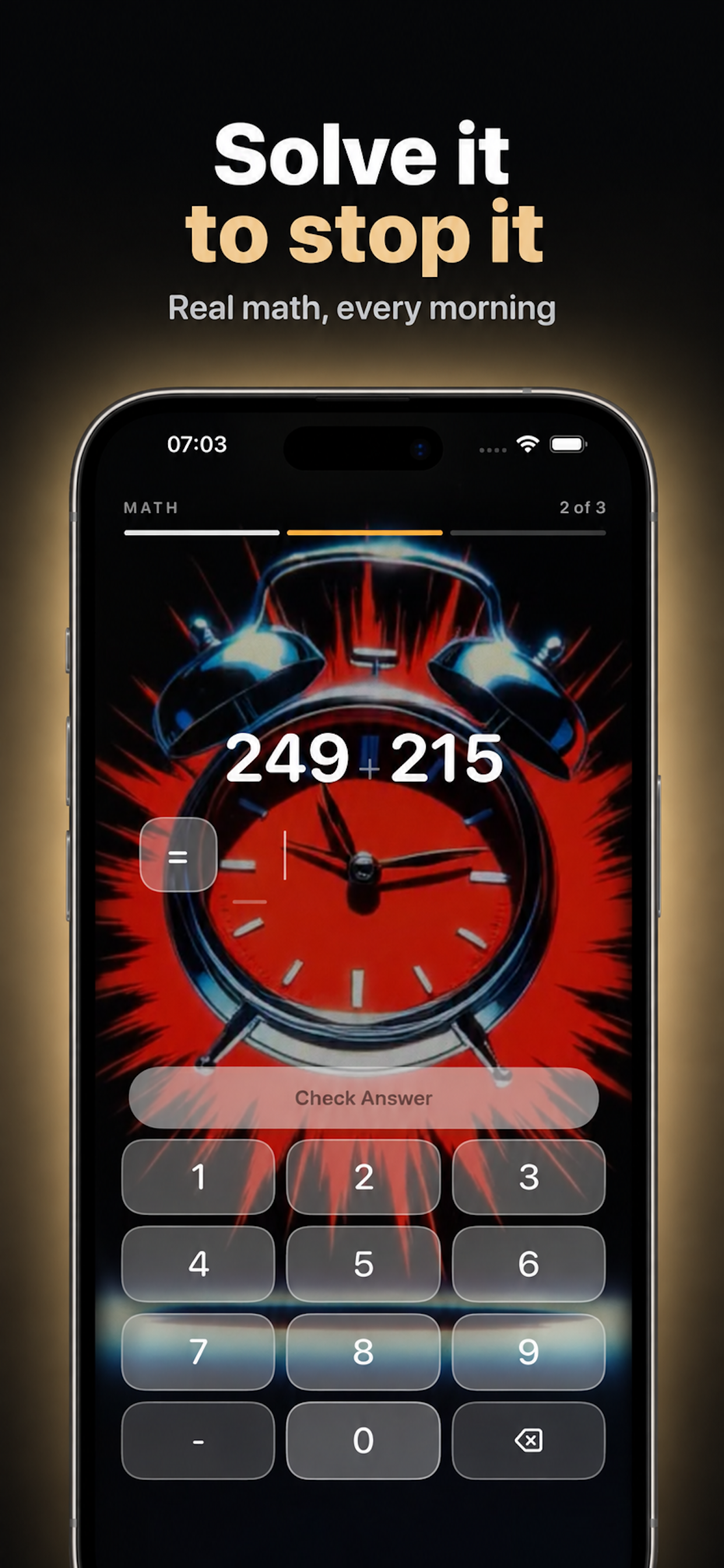
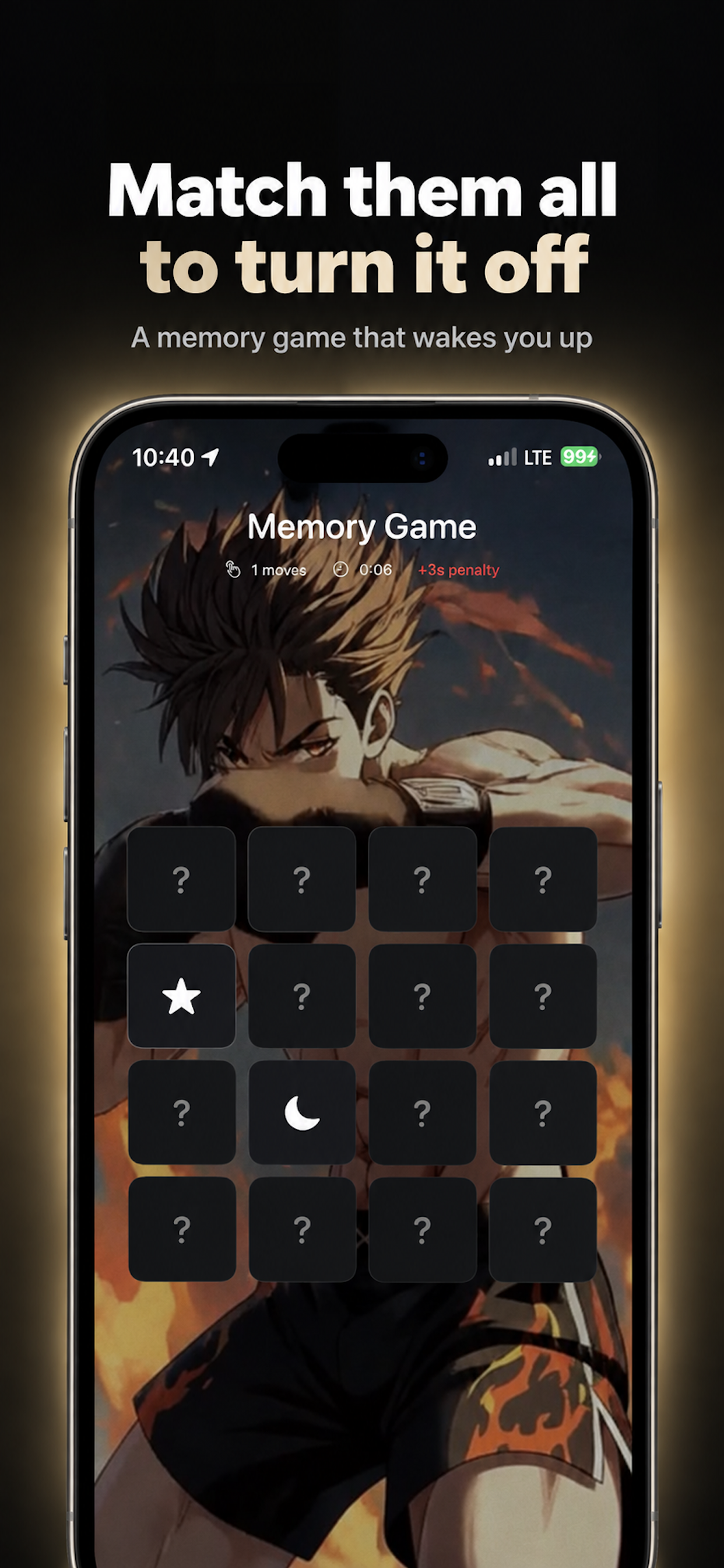
Awaken alarm editor for choosing the time, sound, and wake-up challenge Awaken alarm list on iPhone showing weekday and weekend alarms Awaken math challenge screen that must be solved to stop the alarm Awaken memory game challenge with card pairs to match
The problem

Your alarm rings. Your hand hits snooze. Your brain wasn't even invited.

Half-asleep you makes terrible decisions. Awaken waits until the rest of you shows up.

Who it is for

Who is Awaken for?

People who cannot trust a normal iPhone alarm, especially those who hit snooze until they are late.

It is for:

13 wake-up challenges plus Random and Combo

How do you prove you're awake?

Math Problems

Solve it before the alarm stops. Your brain is awake first.

Mind

Shake Phone

Shake until you are actually up. Lying still does nothing.

Move

Screen Taps

Keep tapping. One lazy swipe will not turn it off.

Move

Scan Barcode

Walk to a barcode you chose. The alarm ends there, not in bed.

Get up

Dance

Dance until you are really moving. Standing still fails.

Move

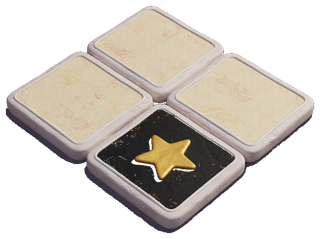
Memory Game

Match the pairs to turn it off. By then, you're up.

Mind

Photo Mission

Photograph a spot across the room. You have to get up.

Get up

Typing Challenge

Type the sentence right. There is no shortcut back to sleep.

Mind

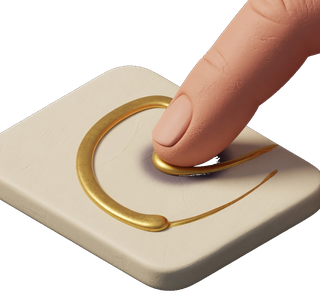
Trace Path

Follow the path until your eyes are open and you are up.

Mind

Squats

Get out of bed and squat. You cannot finish this lying down.

Move

Jumping Jacks

Do the jumping jacks. You cannot finish them from the pillow.

Move

Sky Photo

Photograph real sky. A ceiling does not count, so you get up.

Get up

Grass Photo

Go outside and photograph grass. A houseplant will not do.

Get up

Random

A different challenge every ring, so you cannot learn the cheat.

Mode

Combo

Finish several challenges in a row. Then, and only then, you're up.

Mode
On your iPhone

Built for iOS

Awaken alarm list on iPhone showing weekday and weekend alarms
01 · Alarms
Alarms that actually work
Each alarm runs on the days you pick.
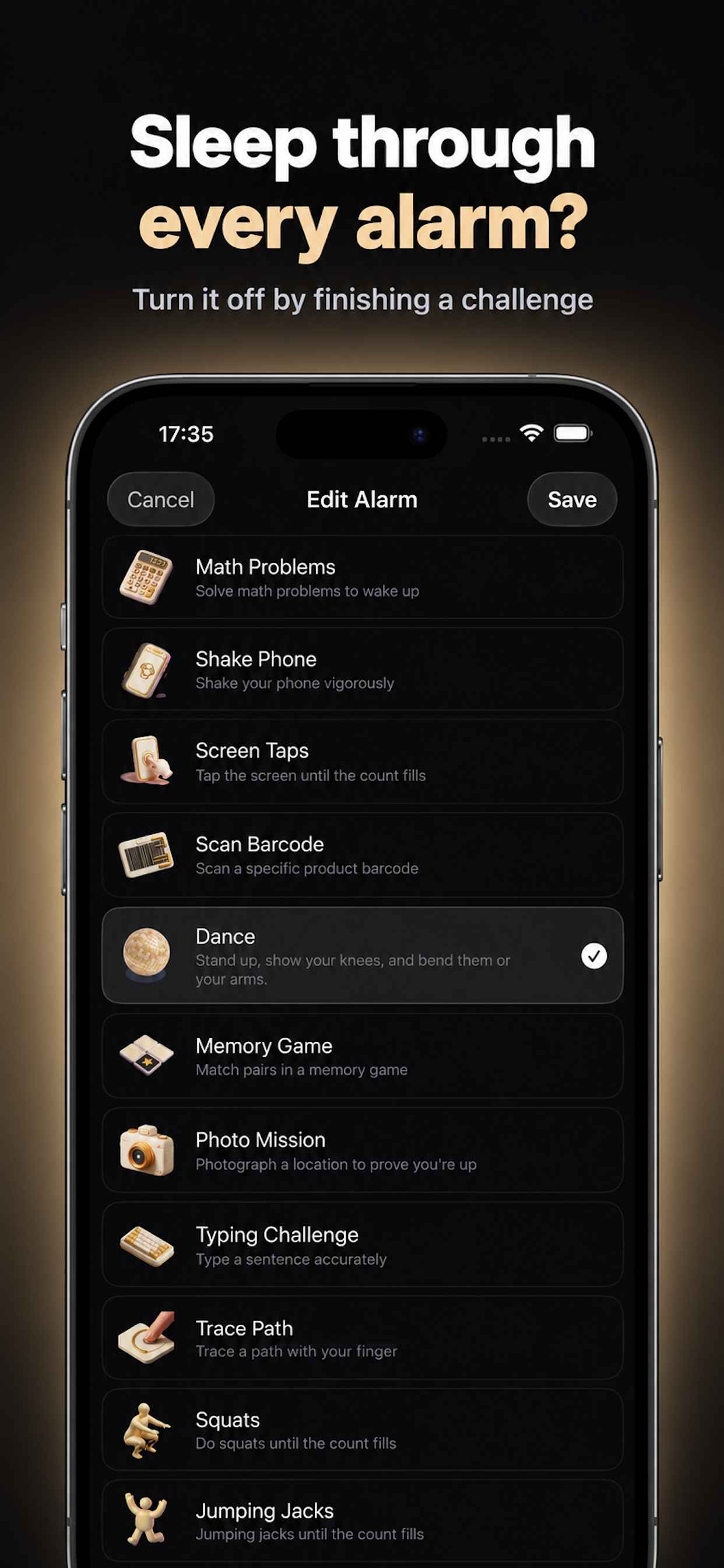
Awaken challenge picker listing 13 wake-up challenges
02 · Challenges
Pick your fight
13 wake-up challenges, from math to dancing. Go random if you dare.
Awaken math challenge screen that must be solved to stop the alarm
03 · Math
Solve it. Wake up.
No dismiss button. Your brain is awake before the alarm stops.
Awaken alarm editor for choosing the time, sound, and wake-up challenge
04 · Editor
Every rule, your call
Choose the time, sound and challenge in seconds.
Awaken memory game challenge with card pairs to match
05 · Memory
Distracted? That is the point.
Match the pairs to turn it off. By then, you're up.
How it works

How does Awaken work?

01

Set your alarm

Pick a time and a challenge. That's it.

02

Your alarm fires

There is no dismiss button. The sound only stops when the challenge is done.

03

Complete the challenge

Solve the math, photograph the sky, or do the squats. You're awake before you realize it.

04

Build your streak

Track your progress with streaks, stats, and achievements. Share completion cards with friends. The consistency compounds.

Built for heavy sleepers

Everything you need to
actually wake up

A streak you will not want to break
Achievements for mornings you made
Your morning alarm stays on overnight
A short breath before the day starts
A promise you make to tomorrow morning
Wake-Up Check

What stops you from falling back asleep?

Finishing once is not the same as staying up. Awaken checks that you are still awake. Ignore it, and the alarm comes back until you prove you left the bed.

Made for heavy sleepers who turn off the alarm and wake up an hour later wondering what happened.

Why Awaken

Why do people switch to Awaken?

In short

Quick answers

Can I snooze Awaken?
No. Finishing your challenge is the only way to turn it off.
What challenges can I use?
There are 13, including math problems, squats, jumping jacks, a sky photo, and a barcode scan. Random picks one for you, and Combo stacks several in a row.
Does Awaken work for heavy sleepers?
Yes, that's who it's built for. Because you have to move or think to finish, you're out of bed before the alarm goes quiet.
Does Awaken have ads?
No. The app has no ads.
Guides

Guides for heavy sleepers

★★★★★
"I've tried every alarm app. This is the first one where I can't cheat my way back to sleep. The math problems at 6 AM are brutal — and that's exactly why it works."
— A former serial snoozer

Tomorrow morning,
you'll actually wake up

Download on the App Store

In-app purchases